
ScribeFuse logo
Use casesPricing
  1. Home
  2. /Features
  3. /Meeting Summarizer
AI meeting summaries

Turn Meeting Recordings Into Clear Summaries and Action Items

Stop rewatching a full meeting just to find one decision or follow-up. ScribeFuse organizes a recording into a searchable transcript and a concise summary that makes the main discussion easier to review.

Start Transcribing View Plans

Action items and summaries are AI-generated drafts; review them with the original conversation in mind.

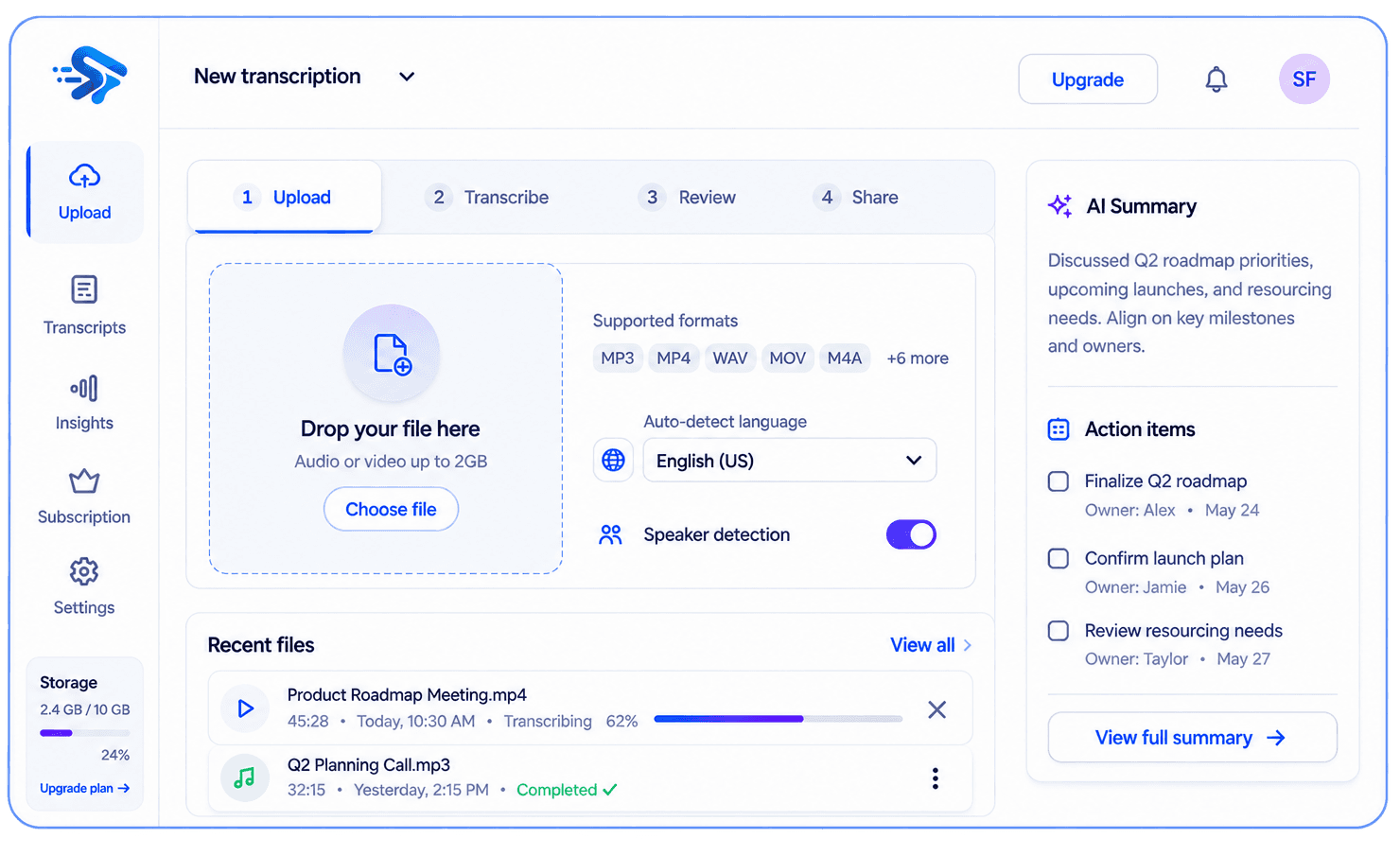
ScribeFuse transcription workspace showing a transcript, summary, and action items

What you get

One recording, useful context

Give attendees and teammates a practical way to catch up on what was discussed.

Searchable transcript

Available output depends on the recording and your plan.

Concise summary

Available output depends on the recording and your plan.

Plan-based extras

Available output depends on the recording and your plan.

Useful for

  • Project status and planning meetings
  • Client calls and discovery sessions
  • Retrospectives and internal reviews

How it works

From recording to useful notes in three steps

  1. 01

    Add the meeting recording you are allowed to process.

  2. 02

    Let ScribeFuse create the transcript and summary.

  3. 03

    Review key context, decisions, and any available action items before sharing.

Worked example

See what should be reviewed before sharing

This illustrative example shows the workflow and review standard. It is not a measured accuracy claim or a transcript from a customer recording.

Example input

A weekly planning call covering a delayed dependency, a proposed release date, and several follow-ups.

Transcript excerpt

Jordan · 24:03 — “Let us move the release review until the vendor confirms the data export.”

Generated result to review

Decision: delay the release review pending vendor confirmation. Open item: identify an owner and confirmed date.

Human review

The example keeps an unknown owner or date unassigned instead of inventing missing details.

Limits to know

  • A summary compresses the discussion and may omit context that remains important in the transcript.
  • Implied decisions and vague promises may not produce a reliable action item.
  • Action-item availability depends on the selected plan.

Troubleshooting

A decision is missing

Check the relevant transcript section and add the decision manually when the conversation was indirect.

An action has no owner or date

Leave the field unassigned until a participant confirms it; do not treat an AI guess as a commitment.

Questions, answered

Before you get started

Are action items included?

Action-item generation is available when it is included in the selected plan.

Should I treat the summary as the source of truth?

Use the summary as a review aid and check names, dates, commitments, and decisions against the transcript or original recording.

Related guides

Turn meeting transcripts into action itemsHow meeting summaries support follow-up

Explore more recording workflows

AI TranscriptionYouTube TranscriptAudio to TextVideo to TextMeeting Notes
View the feature hub
ScribeFuse logo
ScribeFuse

Turn Conversations Into Clarity.

Create searchable meeting transcripts, focused summaries, action items, and shareable reports from audio and video recordings.

support@scribefuse.com
Meetings
made useful
Your data
stays private
Built for
modern teams

Platform

Everything you need to get more from your meetings.

  • All features
  • AI audio & video transcription
  • Audio to text
  • Video to text
  • YouTube transcripts
  • AI meeting summaries
  • AI meeting notes
  • Plans and pricing

Company

Learn more about our mission and get the support you need.

  • About ScribeFuse
  • Meeting productivity guides
  • Contact support

Legal

Our policies and terms to keep you informed.

  • Privacy Policy
  • Terms & Conditions
  • Refund Policy

© 2026 ScribeFuse. All rights reserved.

Transcribe, review, and follow up. Smarter meetings. Brighter work.